Xiaomi MIUI 10 beta 8.10.18 Download links begins rolling out with bug fixes and improvements
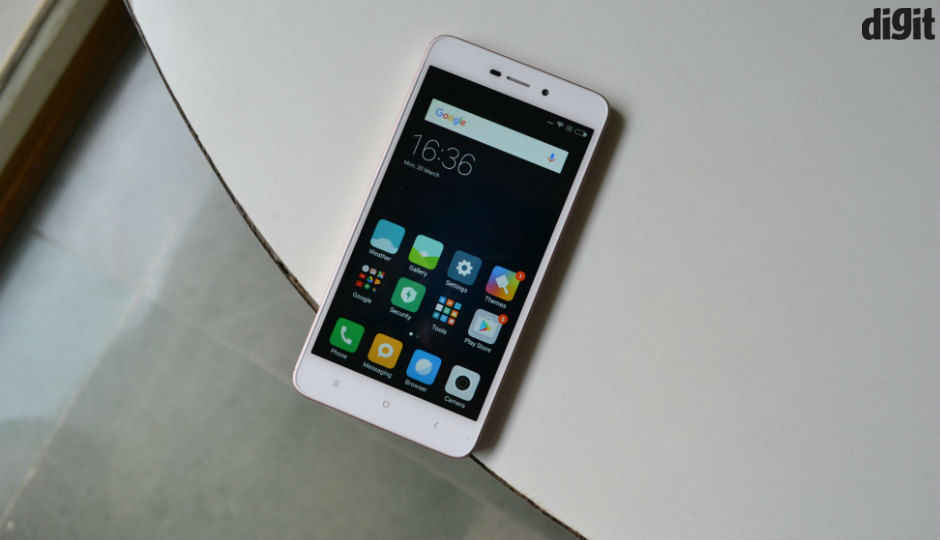
Xiaomi MIUI 10 beta 8.10.18 begins rolling out with bug fixes and improvements | Download Links are Available

Dear MIUIers,
Many smartphone fans love software updates, but they love them more when these updates are accompanied by new features and tangible improvements.
This is why Xiaomi fans are always excited when news of a new software update pops up, but the latest MIUI 10 beta 8.10.18 doesn’t bring new features, instead, it focuses on improving the general stability and performance of the system as well as fixing some stubborn bugs found in the outgoing beta 8.10.11.
MIUI developers are focusing on system optimization and bug fixes this week. There are some important bugs which will be fixed in this week's update. Here comes the changelog!
Important Bug Fixes
Important Bug Fixes
- Fix - The translation for "about phone" is not accurate with Portuguese.( All devices)
- Fix - Mi drop transfer disconnects automatically. (All devices)
- Fix - Mi community has stopped. (All devices)
- Fix - Wrong Date Format in German Version. (All devices)
- Fix - View sim card space shows blank names for sim when opened directly from settings. [Redmi Note 5(Global)/ Redmi Note 5 Pro (India) ]
Here is the Download Link for MIUI 10 8.10.18 Global Beta:
Redmi 4A OTA: https://oofly.in/PTMz
MI MIX 2S: https://oofly.in/FG6QR
Redmi Note 5 Pro: https://oofly.in/6v5CErk0
OTHER DEVICES: https://oofly.in/4DZRLEaN
[See Video]
MIUI 10 download
A developer (beta) version of MIUI 10 is available for almost all eligible device. However, only a few global devices have stable MIUI 10, while many Chinese variants already have the stable version of MIUI 10.
We have broken down the downloads for MIUI 10 in the two sections below: Developer and Stable. This should help you a lot in downloading a correct MIUI 10 ROM for your device.
A word about the installation guide for these ROMs. If a ROM is a global one, you can install it using the System update option in the Settings app on your Xiaomi device. See method #1 for this. However, if it’s a Chinese ROM, then you will need to install it using TWRP recovery, which not all of you would want to go for as this results in losing warranty. See Method #2 for help with this.
Stable MIUI 10 download
- Global: Stable MIUI 10 now available for some devices
- Mi 5, Mi 6, Mi Mix, Mi Mix 2, Mi Note 2, and Redmi Note 5
- Download links provided below, install easily using method #1
- China: Stable MIUI 10 available for many devices
- See the table below
- Download links provided below; can be installed on Global variants using TWRP recovery (Method #2 below)
Update [September 30]: Now available for the Xiaomi Redmi 6 and Redmi 6A. Links updated below.
| Device | Global ROM | China ROM |
| Xiaomi Mi 5 | Download | Download |
| Xiaomi Mi 6 | Download | Download |
| Xiaomi Mi 6X | NA | Download |
| Xiaomi Mi 8 | Download | Download |
| Xiaomi Mi 8 Explorer Edition | NA | Download |
| Xiaomi Mi 8 SE | NA | Download |
| Xiaomi Mi Mix | Download | Download |
| Xiaomi Mi Mix 2 | Download | Download |
| Xiaomi Mi Mix 2S | Download | Download |
| Xiaomi Mi Note 2 | Download | Download |
| Xiaomi Mi Note 3 | NA | Download |
| Xiaomi Redmi 6 | Download | Download |
| Xiaomi Redmi 6 Pro | NA | Download |
| Xiaomi Redmi 6A | Download | Download |
| Xiaomi Redmi Note 5 (Whyred) | Download | Download |
| Xiaomi Redmi S2 | Download | Download |
| Xiaomi Redmi Y2 | Download | Download |
| Xiaomi Redmi 5 Plus (India’s Redmi Note 5) | Download | NA |
MIUI 10 beta download (developer ROM 8.10.11)
→ You can install these ROMs easily using Method #1 below.
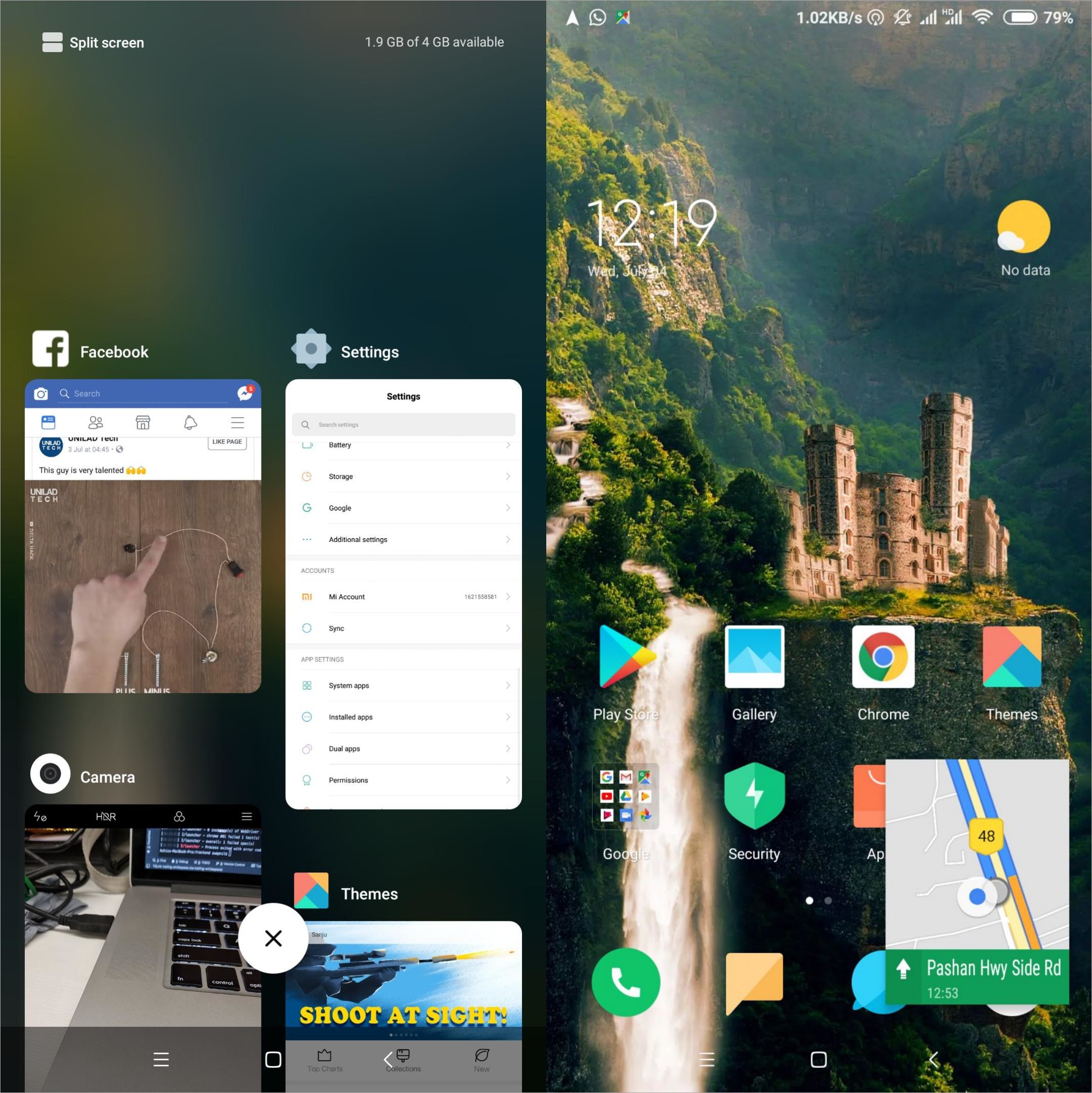
How to install the MIUI 10 update
Install of the MIUI 10 update depends on the kind of file you have. Forn Global ROMs, use the Method #1 below that uses the Settings app, and is very, very easy. However, if you
You need to install the MIUI 10 update using a custom recovery like TWRP. So, you need to have TWRP, which may require you to unlock the bootloader of your device first.
Note: This guide is only for the recovery flashable files in .ZIP format. If the file you downloaded from the table is in .TGZ file format, then it’s flashable only via fastboot, for which, use this guide on how to install Xiaomi firmware using fastboot.
Method #1: Use System updater (local update)
If you downloaded the MIUI 10 update from above, here’s a simple method to install it:
- Download the MIUI 10 update (global beta from the table above).
- Transfer it to the downloaded_roms folder on your Xiaomi device.
- Backup important data and files (everything will be deleted).
- Go to Settings > About phone > System update > tap the 3-dot button in the top right > Choose update package > select the MIUI 10 update file.
- That’s it. The system will start decrypting the file and install it automatically for you. Wait for it to finish the process, which may take 10-30 mins.
Now, if the above doesn’t work, then follow these steps to install it using custom recovery called TWRP.
Method #2: Use TWRP recovery
You can install the Chinese ROMs provided above on a respective Global variant of the device using TWRP recovery.
- First of all, Install the TWRP recovery on your Xiaomi device. Below are some that we have covered, but if your device isn’t in the list below, use Google search to install TWRP for your device.
- Redmi Note 5 Pro
- Redmi Note 5 and Redmi 5 Plus
- Mi 5
- Mi 6
- Mi 8 and Mi 8 SE
- Mi Mix 2
- Mi Mix 2S
- Redmi S2
- Search this site or Google for TWRP for any other device.
- Download the required files:
- Get the MIUI 10 update from above
- DM verity disabler file, lazyflasher
- Transfer the MIUI 10 update and lazyflasher files to your Xiaomi device.
- Reboot to recovery mode to access TWRP recovery.
- Power off your Xiaomi handset.
- Press and hold Volume down and Power buttons together until you see anything on the screen. You will see the TWRP soon.
- Select ‘Wipe‘ from the TWRP main menu and do a ‘wipe to Factory Reset’ on the bottom of the screen.
└ Note: This will factory reset your device. Skip this step if you don’t want to factory reset your device, that is, if you are already on MIUI 10 update. - Tap on the Wipe button again, and now tab on Format data button. Type yes on the next screen and then hit the enter key to confirm and format the data partition.
- On the TWRP main menu, tap on ‘Install‘ and select the MIUI 10 update file that you transferred to your device above. After selecting the .zip file, do ‘Swipe to Confirm Flash’ on the bottom of the screen to begin the custom ROM installation process. This may take some time.
- Once your ROM is successfully flashed, you’ll see ‘Wipe cache/dalvik‘ option, select it and then do ‘Swipe to wipe’ on the bottom of the screen.
- Install lazyflasher file too the same way.
- Tap on the ‘Reboot System’ button to restart the device. Done!
That’s it.

MIUI 10 root
If you wish to root the MIUI 10 update, here what you got to do.
- Make sure you have TWRP recovery installed on your device. See the guide above for links to TWRP.
- Download the Magisk root package.
- Download the DM verity disabler file, lazyflasher, too.
- Transfer the Magisk file your Xiaomi device if you downloaded it on PC.
- Reboot to recovery mode to access TWRP recovery on your Xiaomi device.
- Power off your Xiaomi handset.
- Press and hold Volume down and Power buttons together until you see anything on the screen. You will see the TWRP soon.
- On the TWRP main menu, tap on ‘Install‘ and select the Magisk file that you transferred to your device earlier. After selecting the .zip file, do ‘Swipe to Confirm Flash’ on the bottom of the screen to begin the custom ROM installation process.
- When done, tap on the ‘Reboot System’ button to restart the device. That’s it.
Comments
Post a Comment